
The first step in troubleshooting a casino website connection error is to determine its location. See if the other sites load, take note of the exact message the browser returns and compare the same page on another browser. These observations inform the next step. Network diagnostics for Windows look into your connectivity and browser diagnostics look into your behavior with local pages. Another type of evidence is provided by a response from the website. If they are kept apart, it is easier to follow.
Establish whether the issue affects one website
Read the address in the browser and confirm the intended domain. When checking access to desi casino app online, first establish whether the browser can load other websites on the same connection. Test familiar pages and note whether they open normally. This checks the scope of the behavior before any settings are changed and gives later comparisons a useful baseline.
If other pages load, the observation narrows the investigation to the selected website or how that browser handles it. If several unrelated pages fail, inspect the connection more broadly. Keep the test conditions consistent, including the device and network. A page opening on a phone through cellular data involves a different connection and should be recorded as a separate comparison.
Record the browser’s exact error message
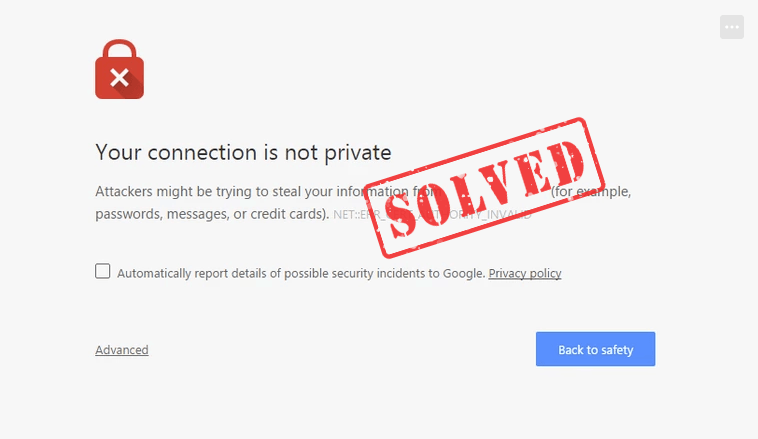
Copying what it prints on the console and noting when you saw it is essential. DNS means domain name system. It is the network service that will look up a server that a computer can communicate with based on the domain names. A request is said to timeout when there is no response coming back during the agreed period. For certificate-related message, the verification of the secure connection is at stake. The different nature of error messages suggests different sorts of checks.
Record the browser-generated message and distinguish it from the response returned by the website. Besides the browser’s message, the web server’s response may include an error code and explanation. Record both where possible. In the case of a certificate-related message, besides the device time and date check, also review/examine the certificate explanation in the browser.
If the message goes away on its own after the first certificate validation, there may be no need to look into the matter further. However, when the message persists despite your best efforts, then through the right settings or by contacting support, you can investigate the problem further.
Compare browsers and review local settings
Go to the address in a different existing browser window. This comparison, together with some suggestions, is provided by Microsoft in its article about websites that do not open in Edge.
A divergence between browser types might be an indication for a check of the first browser’s settings, especially if the problem lies only there. Look at the version of your browser, check the extensions, and find out which one might be the reason for not correctly loading the page. After each change, reload the problem page and see whether the issue is resolved.
Use Windows diagnostics for network-level checks
Inspect the connection status in Windows when the comparison suggests a broader network issue. On Windows 11, Microsoft recommends the Network and Internet troubleshooter in Get Help. Follow its prompts and retain any reported findings. A short diagnostic sequence is:
- Check the active network connection.
- Compare access to familiar websites.
- Run the Windows network diagnostic.
- Check the domain’s DNS response if appropriate.
- Retry the original page and record the result.
For a focused DNS check, enter nslookup slot-desi.com in Command Prompt. Microsoft’s documentation describes nslookup as a tool for examining DNS information. The result shows what the configured DNS service returns for that domain. A successful response supports that part of the connection process. Loading an HTTPS page still involves further steps, so interpret the lookup alongside the browser’s actual message.
Recognize when the next step belongs to the website
Understand the returned status message that corresponds to its significance. When you get a 403 response that means the server knows what your request is but just doesn’t like it. A 503 is a bit more lenient since the website doesn’t want to give you something but probably will shortly and it could be either because the site is having maintenance or because the server is being really busy.
Follow whatever explanation or advice the website provides. These types of answers will be stronger indicators as opposed to assuming every missing page must have been caused because of the local settings on Windows.
When you need to get more clarities around a particular issue, just let support have the domain name, the specific page, the time (as close to precise as possible), browser version, etc., the Windows versions. Also mention the exact message and what is the result of comparison you have carried out till now. After personal details have been cropped out, a screenshot reveals just what words remain. Do not put passwords or session tokens into the report. Generally, if a problem happens with your setup or if you get an error message that was not expected, the technical stuff that goes along with an explanation of that will help far better, than just listing a lot of settings without the results being recorded.
End the check with a specific finding
The result should identify what was observed: the issue appears in one browser, affects several websites on the connection, or produces a repeatable website response. State which comparisons support that finding. It is possible to narrow the affected part of the process before its underlying cause is confirmed, so keep those two conclusions distinct.
Choose the next action from that evidence. A browser-specific difference calls for local review. A broader connectivity problem calls for network diagnosis. A website response may require operator clarification or another attempt at the announced time. Retain the successful change or confirmed support instruction so the final record explains what resolved the particular loading issue.